

How you pay
Pay for skins using Marketplace Balance. Add funds by card, crypto, or selling skins.
With your permission, we use Google Analytics and the Meta Pixel to understand visits and measure our advertising. Google and Meta may receive page, browser, device and connection data. Optional analytics is not loaded unless you accept. Cookie notice
Pay for skins using Marketplace Balance. Add funds by card, crypto, or selling skins.
Choose a bank payout (EU and Western Balkans), crypto, or cash via BH Pošta PostNet (Bosnia and Herzegovina). You can also keep the funds in your balance for your next purchase.
Check the items and trading account before accepting each offer.
Choose your skins, confirm the offer and follow your payout in your account.
Start sellingConnect your account and load your inventory.
Select the skins you want to sell and review the offered amount.
Choose how you want to receive the money and check your payout details.
Review your selected skins and confirm the trade on Steam.
Follow your sale in your account while Steam trade protection is active.
Once the sale and protection period are complete, we process your chosen payout.
Choose a skin on the marketplace and confirm your purchase. Track delivery in your account and receive your skin through Steam.
Browse skinsSelect skins from your inventory and review the offer. Choose a payout method and confirm your sale.
Get an offerChoose the skins you want to give and receive. Review the difference in value and confirm your trade.
Build your tradeSkinovi.ba is available to users in Bosnia and Herzegovina and other countries. Bank payouts support accounts in the EU and Western Balkans, while BH Pošta PostNet is available only in Bosnia and Herzegovina.
Before confirming your sale, choose a bank account, crypto, cash via BH Pošta PostNet (Bosnia and Herzegovina), or your balance. Balance proceeds can be used to buy skins immediately after trade acceptance. External payouts and balance withdrawals become available after settlement; you can track the status in your account.
Pay with Marketplace Balance. Add funds by card, crypto, or selling skins. Open Balances → Deposit to choose a deposit method.
Your currency is initially set from your IP location: BAM for Bosnia and Herzegovina, RSD for Serbia and EUR elsewhere. You can change it in your Personal Area. Your display currency does not change your payment or payout method.
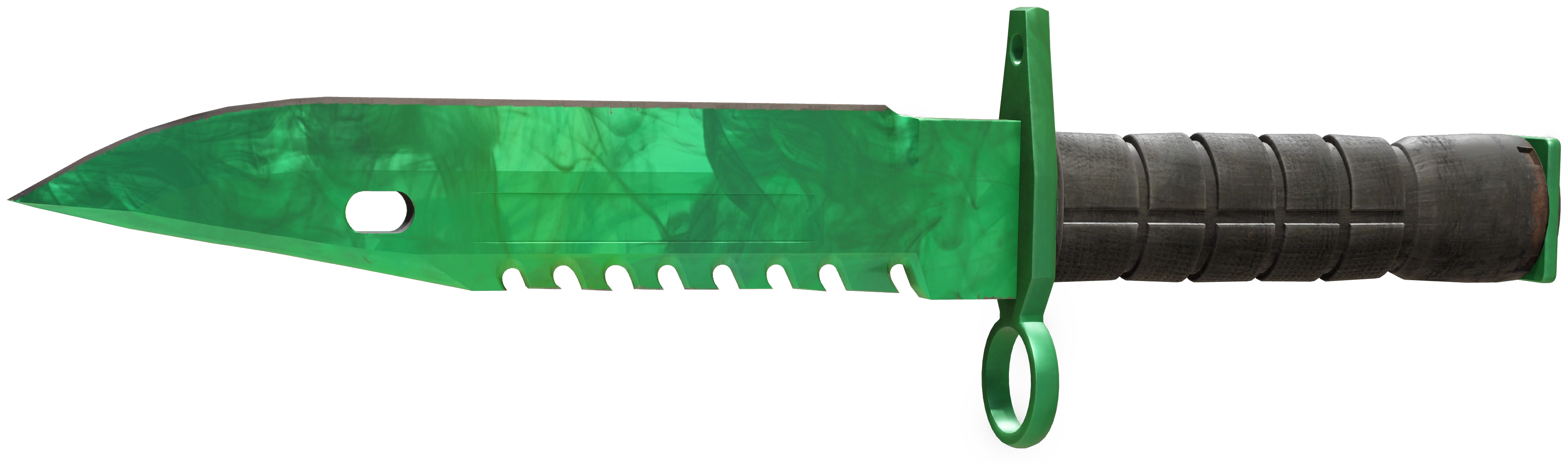
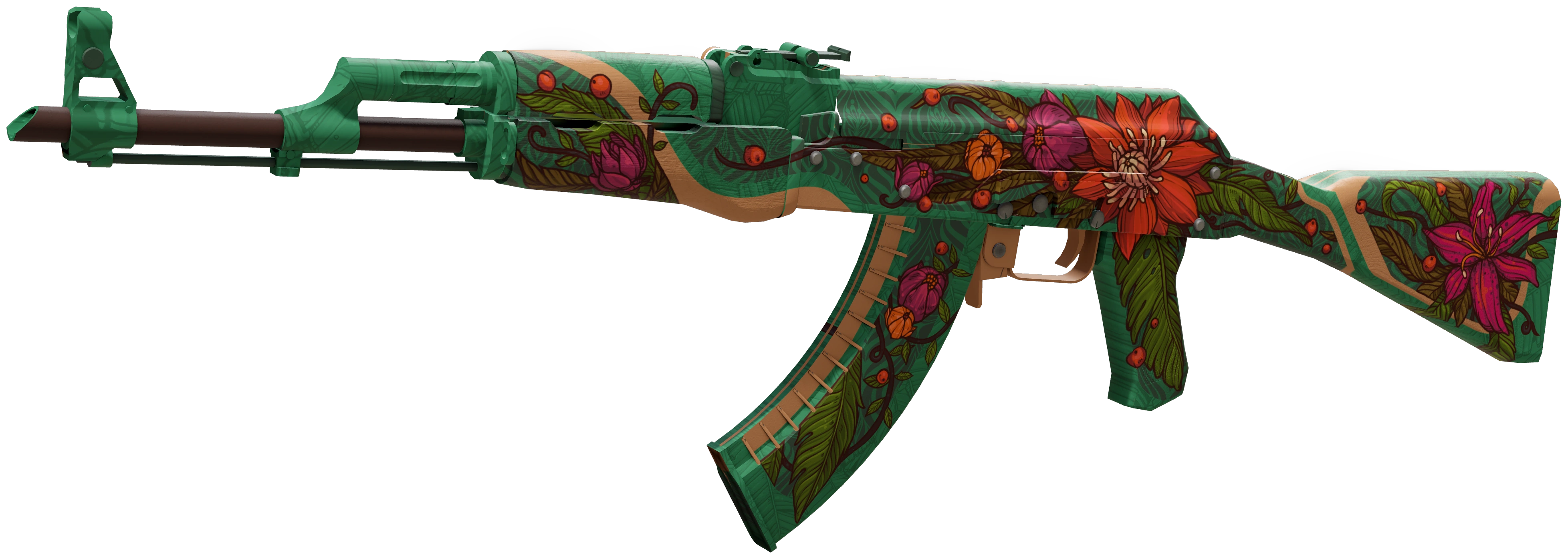
Skinovi.ba is a Counter-Strike 2 (CS2) marketplace for buying, selling and trading skins in Bosnia and Herzegovina and other supported countries. Browse rifles, pistols, knives and gloves, then compare the condition, appearance and price of each listing.
To buy CS2 skins, search the marketplace and compare wear, float, pattern, stickers and price. Sign in with Steam, check your Steam trade URL and Marketplace Balance, then confirm the purchase. When the offer is ready, review it on your Transactions page and accept it on Steam.
Browse available CS2 skinsTo sell CS2 skins, sign in with Steam, select items from your inventory and review the offer. Choose a supported bank payout, crypto, BH Pošta PostNet cash in Bosnia and Herzegovina, or Marketplace Balance. Confirm the Steam trade offer and track the transaction; payout follows completion of the sale and trade protection.
Choose skins to sellTo trade CS2 skins, choose what you give and receive, then check the value difference. Trading Balance is separate from Marketplace Balance. Review the actual contents of every Steam offer before confirming.
Build your tradeWear names a skin’s condition; float gives a more precise wear value. Pattern controls the design’s placement, while Doppler phases and stickers can change how an individual item looks. Compare these details and inspect the skin before buying, especially for expensive CS2 skins.
Valve’s guide to finishes and wearSkinovi.ba sends sign-in to the official Steam page and never asks for your Steam password or Steam Guard code. Before accepting an offer, verify the account, items and trade direction on Steam. If details differ, stop and contact support.
Steam’s trading guidanceBuy CS2 skins with Marketplace Balance, funded by card, crypto or sale proceeds. Sale proceeds may be paid to supported bank accounts, in crypto, or through BH Pošta PostNet cash in Bosnia and Herzegovina. A crypto deposit for purchases is separate from funds available for withdrawal; check the amount, network and recipient details before confirming.
Skinovi.ba serves users in Bosnia and Herzegovina and other supported countries. View CS2 skin prices in BAM, EUR or RSD; display currency does not change payout availability. Bank payouts depend on a supported account in the EU or Western Balkans, while PostNet is for recipients in Bosnia and Herzegovina.


